Why Smart Home Installation Is Worth Getting Right
Smart home installation is the process of connecting devices like lights, thermostats, locks, cameras, and entertainment systems into one unified, controllable network — managed from your phone, voice, or a wall panel.
Here's a quick look at what a smart home setup typically covers:
- Lighting control- automate or dim lights by schedule or voice
- Climate control- adjust thermostats remotely or by routine
- Security- monitor cameras, locks, and doorbells from anywhere
- Entertainment- control audio, video, and streaming across rooms
- Energy management- reduce waste by automating devices when you're away
Getting the installation right matters. The technology is only as good as the people who set it up.
Nearly 40% of homeowners delay their smart home installation because they don't know where to start or worry it's too complicated. That hesitation is understandable — the options are overwhelming, and a poor installation can mean unreliable devices, security gaps, or costly electrical rework down the road.
The good news? Finding the right installer makes all the difference. Whether you're adding a single smart thermostat or wiring up a fully automated Long Island home, knowing what to look for in a professional saves you time, money, and frustration.
Planning Your Smart Home Installation
The secret to a successful smart home isn't buying the most expensive gadgets; it’s the planning that happens before the first screwdriver touches a wall. We have seen many homeowners jump into buying devices only to realize their Wi-Fi can't handle the load or their wiring isn't compatible.

Lifestyle Assessment and Prioritization
We always recommend starting with a lifestyle assessment. Ask yourself: What are the "pain points" in your daily routine? Do you frequently forget to lock the front door? Does your living room feel like an ice box in the morning?
By prioritizing rooms and functions—such as security first, then lighting, then entertainment—you can create a phased roadmap. This prevents the "tech overwhelm" that causes that 40% delay statistic mentioned earlier. You don't have to do everything at once. You can Take a Virtual Tour of Smart Home Solutions to see how different systems look in a real-world setting. When you're ready to move forward, opting for Certified Installations ensures that your foundation is rock solid.
Assessing Electrical Requirements
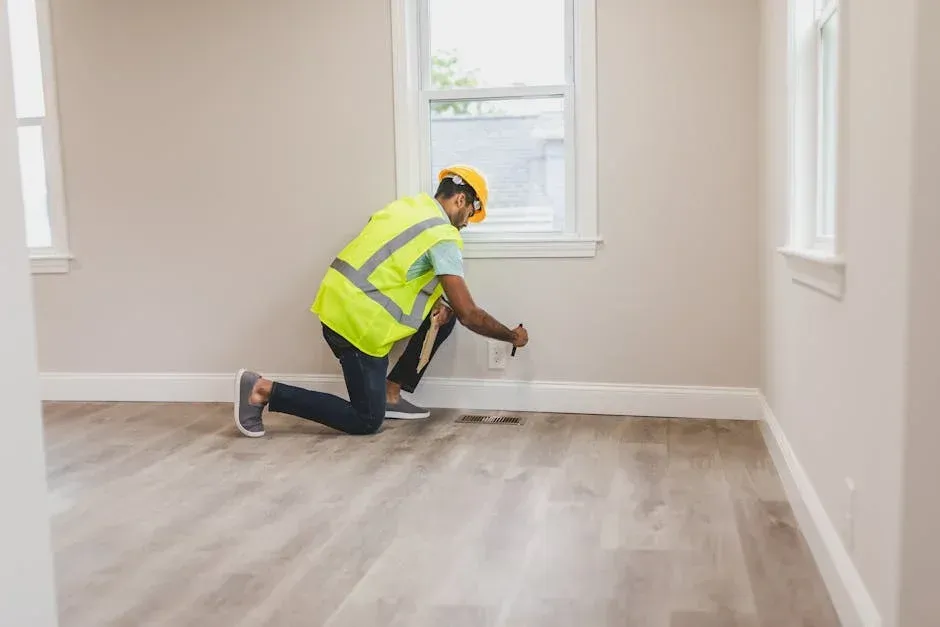
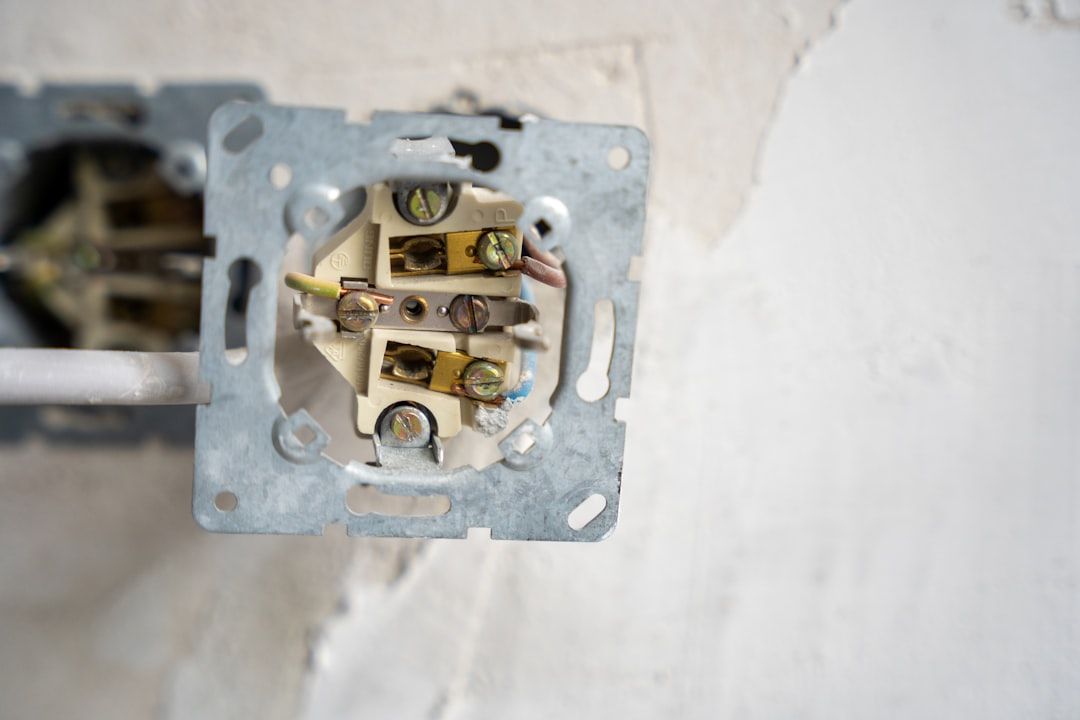
This is where many DIY projects hit a snag. Most modern smart switches and Certified Installations require a neutral wire(usually a white wire) to provide constant power to the switch's internal radio. If your Long Island home was built several decades ago, your switch boxes might not have these.
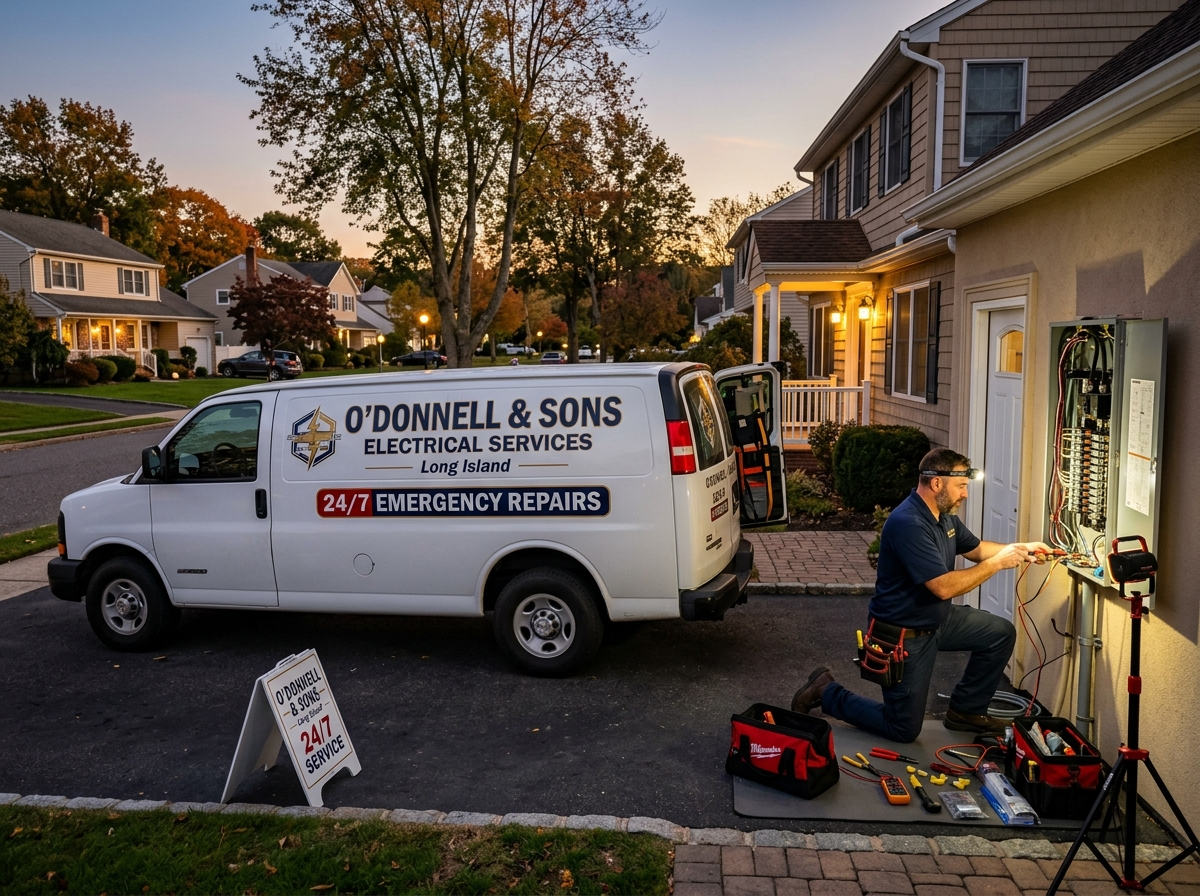
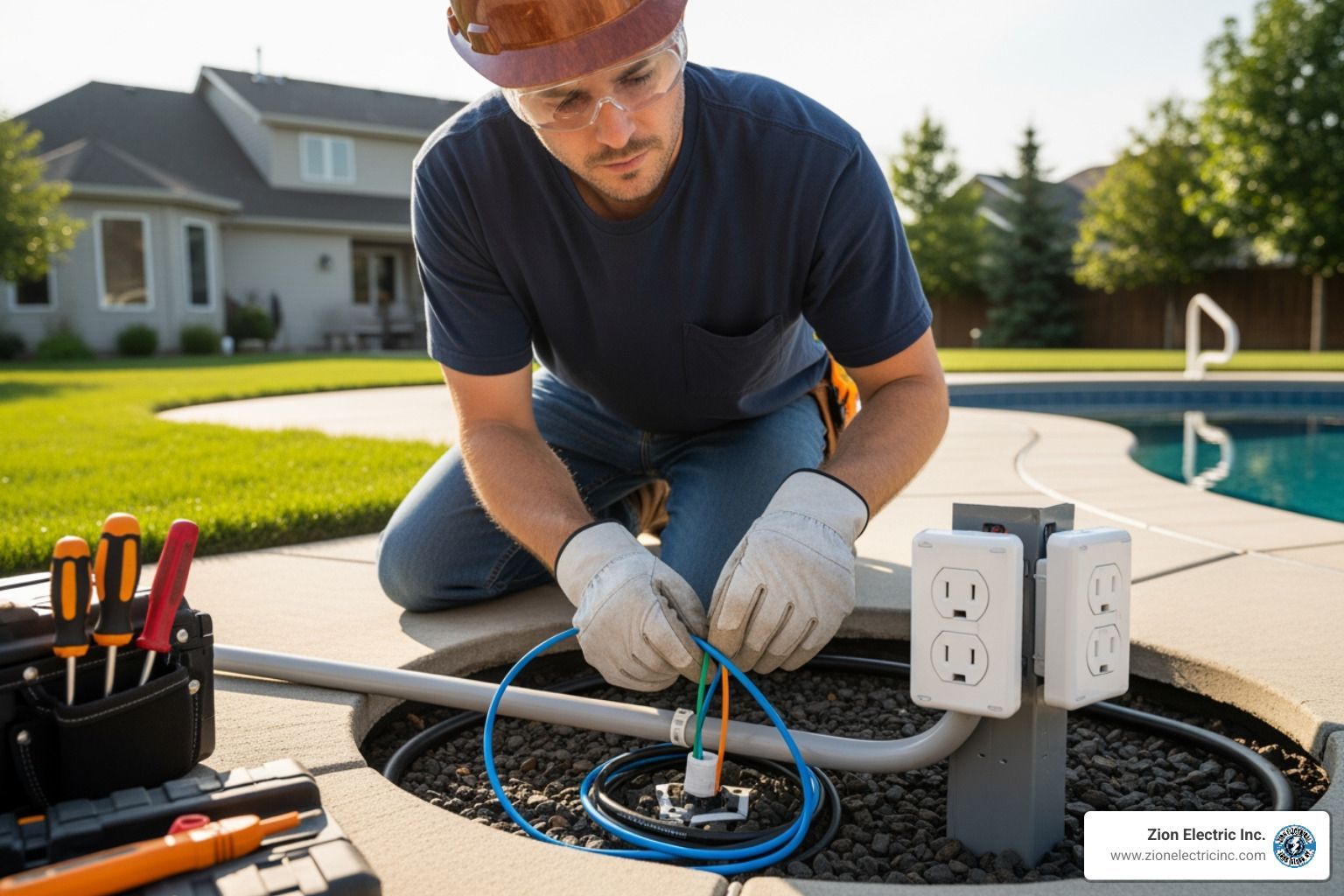
We also look at your electrical panel. Adding high-draw smart appliances or extensive outdoor lighting might require a panel upgrade or General Electrical Services to ensure your 120V power supply is stable. In some cases, we perform wiring extensions to prevent hazards from overstretched wires, which can snap and cause fires or electrocution.
Essential Components and Wireless Protocols
Think of your smart home as a team. For the team to win, everyone needs to speak the same language. While Wi-Fi is great for your laptop, it’s often too "noisy" and power-hungry for fifty small sensors.
The Role of Central Hubs and Gateways
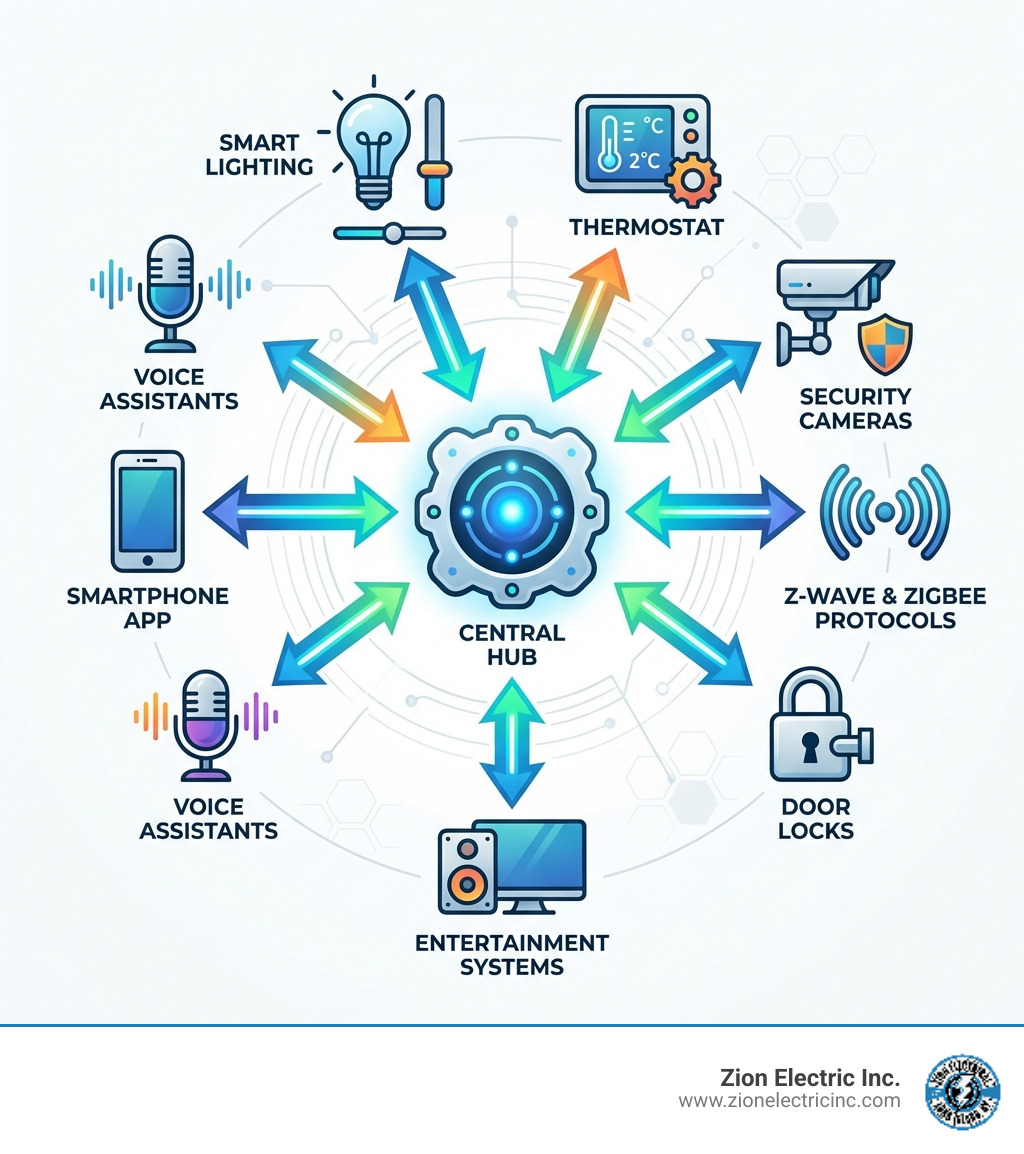
A central gateway or hub acts as the "brain" of your home. It coordinates devices, processes automation rules locally (so your lights still work if the internet goes out), and provides a single point of remote access.
Z-Wave vs. Zigbee: The Power of Mesh Networks
Most professional-grade smart home installation projects rely on Z-Wave or Zigbee. These are low-power wireless protocols that create "mesh networks." In a mesh network, every device acts as a repeater. If a signal can't reach a sensor in the basement directly from the hub, it "hops" through a smart plug in the hallway to get there. This makes the system "self-healing"—if one device fails, the signal simply finds a new path.
| Feature | Z-Wave | Zigbee |
|---|---|---|
| Frequency | ~900 MHz (No Wi-Fi interference) | 2.4 GHz (Shared with Wi-Fi) |
| Range | Longer per "hop" | Shorter per "hop" |
| Device Limit | Up to 232 devices | Thousands of devices |
| Interoperability | Strict (Everything works together) | Varying (Depends on manufacturer) |
For complex setups involving automated shades or specialized sensors, we often utilize Specialty Services to ensure these protocols are configured for maximum reliability.
Selecting Control Methods
How do you want to talk to your home?
- Voice Assistants: Great for hands-free commands like "Turn on the coffee maker."
- Mobile Apps: Essential for checking security cameras or adjusting the heat while you're at the office.
- Wall Panels: These provide a permanent "cockpit" for the house, ensuring guests or children can control the lights without needing a phone.
- Smart Remotes: Perfect for home theaters where you want tactile buttons to dim the lights and start the movie simultaneously.
5 Tips for Choosing a Professional Installer
Finding a reputable installer on Long Island requires more than a quick web search. Here are five tips to ensure you’re hiring an expert who will treat your home with respect.
Tip 1: Verify Industry Certifications
A "handyman" might be able to swap a light switch, but a smart home professional should have specific certifications (like CEDIA or manufacturer-specific training). This ensures they understand the nuances of low-voltage integration and networking.
Tip 2: Prioritize Brand-Agnostic Experts
You want an installer who listens to your needs rather than one who only pushes a single brand. A brand-agnostic expert can integrate a mix of devices—perhaps a specific smart fridge you love with a different brand of security cameras—to create a unified ecosystem.
Tip 3: Evaluate Electrical Troubleshooting Skills
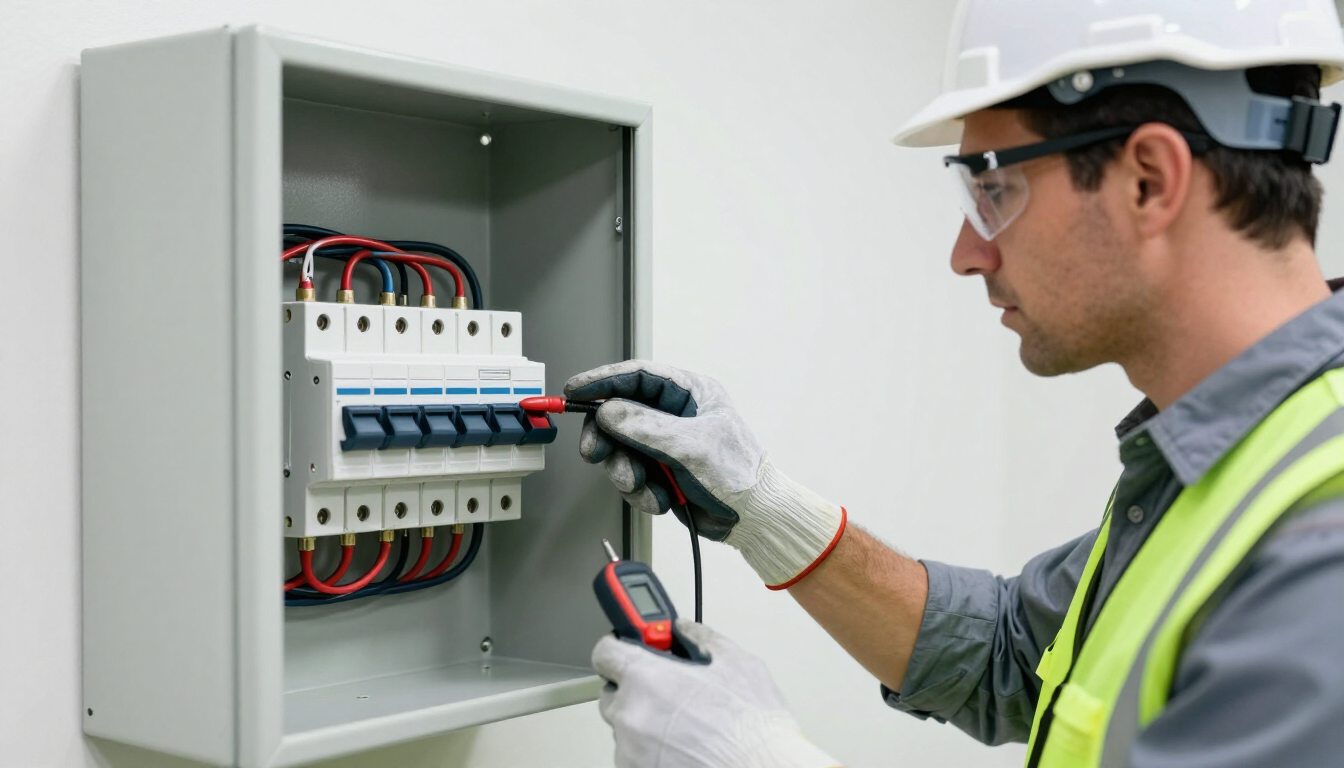
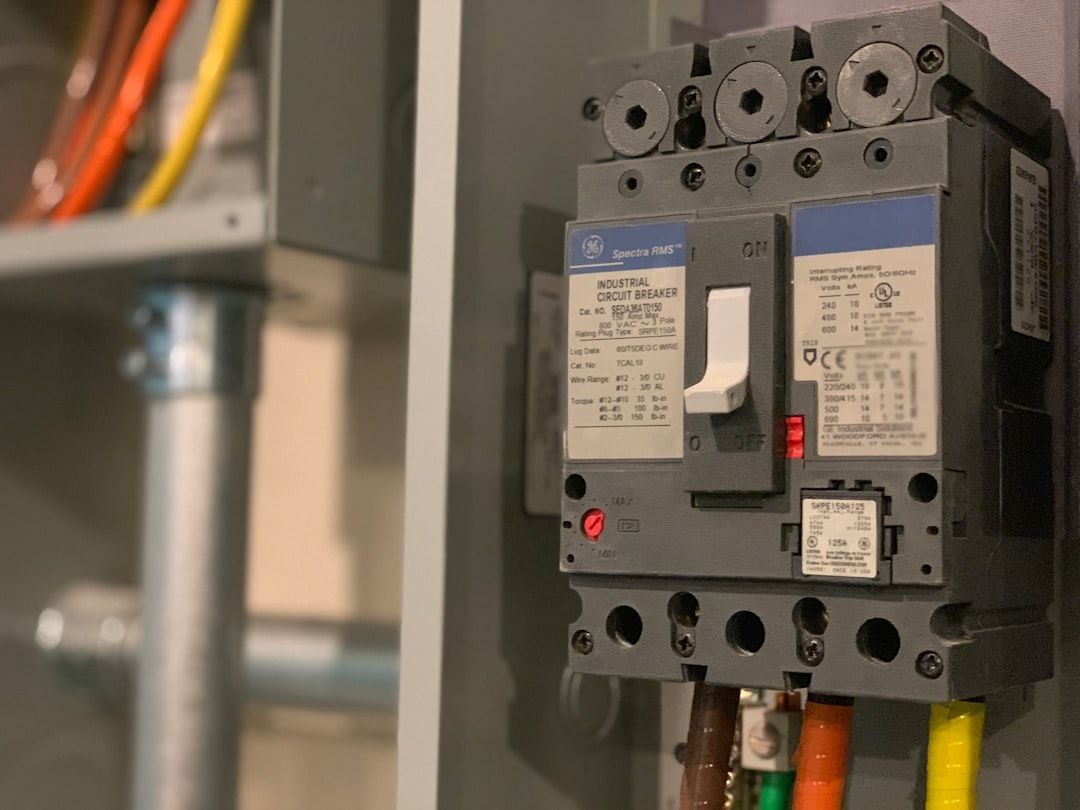
Smart home tech is still electrical tech. If a smart switch isn't working, is it a software glitch or a short circuit? A professional should be able to perform General Electrical Services like circuit breaker repair and rewiring. Troubleshooting is about finding the root cause of power issues, not just rebooting the router.
Tip 4: Confirm Security and Privacy Standards
Your smart home knows when you are home and when you are away. Ask your installer about their security protocols. Do they use two-factor authentication? Do they set up a separate "VLAN" (Virtual Local Area Network) for your IoT devices to keep them away from your personal computers? Security must be a top priority.
Tip 5: Check for Workmanship Warranties
A reputable company stands by its work. Look for installers who offer at least a 90-day workmanship warranty. This gives you peace of mind that if a wire comes loose or a scene stops triggering a month later, they will come back to fix it. If you are a DIY enthusiast looking to learn the ropes, you can see How to install your Brilliant Control to understand the level of detail required for a safe setup.
Maximizing Security and System Reliability
The biggest fear homeowners have regarding smart home installation is hacking. While no system is 100% unhackable, professional installation significantly lowers the risk.
Preventing Cyber Threats
We focus on "local processing" whenever possible. This means your smart home hub handles your daily routines within your four walls without sending that data to the "cloud." We also ensure that all devices have the latest firmware updates. Manufacturers constantly release patches to close security holes; keeping your devices updated is your first line of defense.
Troubleshooting and Long-Term Maintenance
Reliability comes down to maintenance. Over time, Wi-Fi environments change (your neighbor might get a powerful new router that interferes with yours), and batteries in sensors die.
- Signal Interference: We use tools to map out "dead zones" in your home and place repeaters strategically.
- Battery Management: We recommend checking sensor batteries annually.
- System Testing: Periodically trigger your alarms and check your camera feeds to ensure everything is still communicating with the hub.
If you encounter persistent power issues, it may be time for General Electrical Services to check for frayed wires or overloaded circuits that could be impacting your smart devices.
Frequently Asked Questions about Smart Home Setup
Can I integrate smart home installation with my existing devices?
Yes! In most cases, we can bridge the gap between "legacy" electronics and new smart tech. For example, a smart IR (Infrared) blaster can allow your phone to control an older TV or window AC unit. Smart plugs can turn any "dumb" lamp into a smart one. The goal is a unified ecosystem where your smart TV, appliances, and lights all play nice together.
What are the benefits of professional smart home installation vs DIY?
While many products are marketed as "plug and play," the reality is often "plug and pray." Professional installation handles the complexity of wiring safety, networking, and programming.
- Safety: We ensure your home meets electrical codes.
- Reliability: Professionals use pre-programmed kits and high-quality parts that don't "drop off" the network.
- Support: You get a 90-day warranty and someone to call when things go wrong.
How do I start with basic automation scenes?
Start with "scenes"—a single command that triggers multiple actions.
- Morning Routine: At 7:00 AM, the bedroom lights slowly brighten, the thermostat rises to 70 degrees, and the kitchen lights turn on.
- Away Mode: When you lock the front door, all interior lights turn off, the thermostat drops to energy-saving levels, and the security cameras arm themselves.
- Lighting Schedules: Set your outdoor lights to turn on at sunset and off at sunrise automatically.
Conclusion
Building a smart home should be an exciting upgrade to your lifestyle, not a source of stress. By focusing on proper planning, choosing the right mesh protocols like Z-Wave or Zigbee, and hiring a professional who understands both the software and the "nuts and bolts" of electrical work, you can enjoy a home that truly works for you.
At Zion Electric Inc., we’ve spent over 30 years serving the Long Island and Holtsville communities. As a family-owned business, we pride ourselves on clear communication and top-tier workmanship. Whether you need a simple video doorbell setup or a comprehensive smart home installation, our team is ready to provide the reliable, high-quality solutions you deserve. More info about specialty services is just a click away—let's make your home smarter, safer, and more efficient today.